Peter
The avatar will accept images larger than 100x100 but for reasons of loading speed it should probably be relatively small. Often the thumbnail image is small emough. I imagine that if the image is too big it simply does not work. There is quite a bit of photo editing software that can be used to reduce the size of a photo.
You need to past the image URL without any tags often refiered to as the direct link.
Below is the direct URL. This is is the type of URL that you must post in your avatar section.
https://www.tm-img.com/images/2019/08/18/000000000000072880_E1.th.jpg
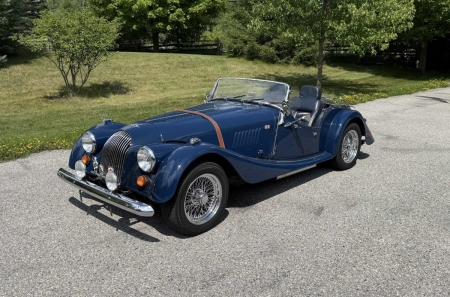
Below is the same thumbnail with the image tags that would allow it to be posted in the text of a forum post.
[img]https://www.tm-img.com/images/2019/08/18/000000000000072880_E1.th.jpg[/img]
The result would look like this in a post but would be smaller in an avatar because the forum software reduces the size
![[Linked Image]](https://www.tm-img.com/images/2019/08/18/000000000000072880_E1.th.jpg)
PS. The code boxes may not show the complete line but you can see the rightmost part if you drag the contents to the left.





![[Linked Image]](http://bradley.it/public_images/drive.jpg)
