|
|
|
|
|
|
|
|
|
|
|
|
tow bar
by G Walker - 24/08/26 06:52 PM
|
|
|
Forums39
Topics49,836
Posts837,262
Members9,596
| |
Most Online1,063
Jun 14th, 2026
|
|
|
|
Joined: Feb 2016
Posts: 8,655 Likes: 407
Needs to Get Out More!
|
OP

Needs to Get Out More!
Joined: Feb 2016
Posts: 8,655 Likes: 407 |
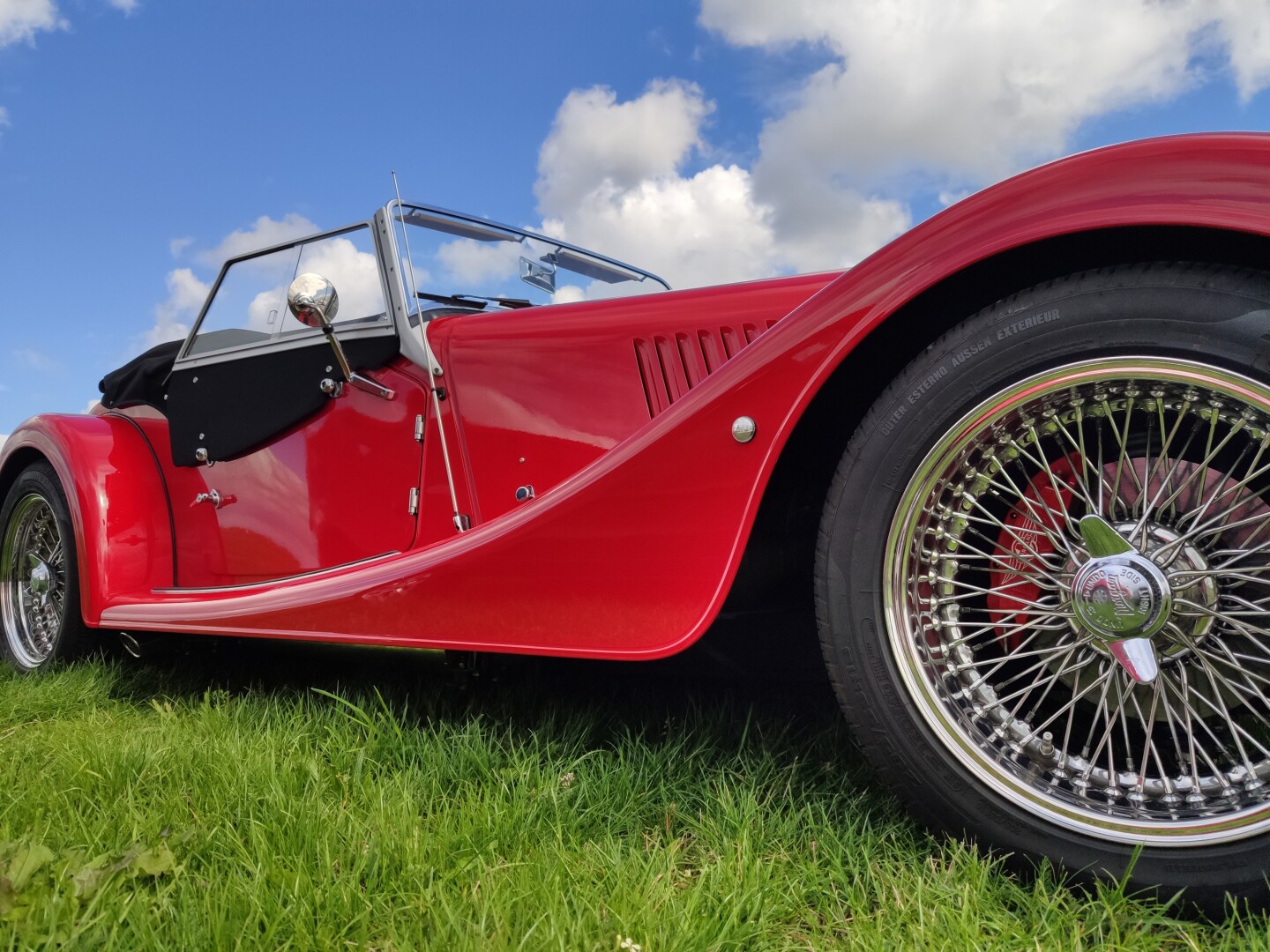
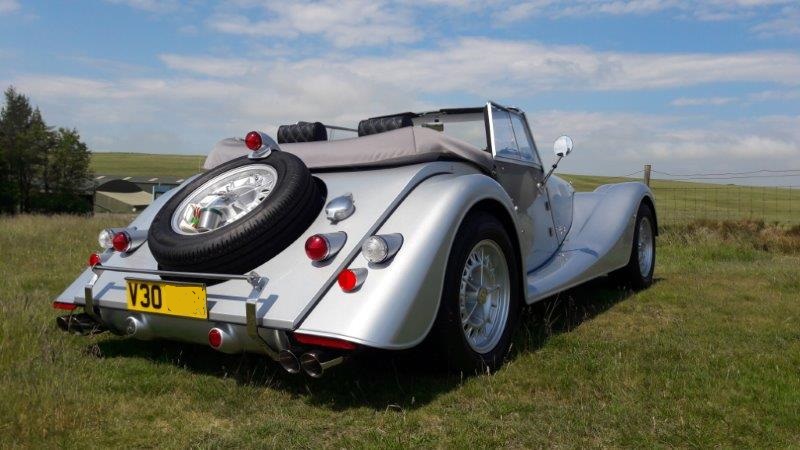
For some time now TM folk using the tm-img image hosting site have found that submitted portrait aspect photo's display in a landscape aspect. This has the effect of horizontally stretching the image with the greater aspect ratio of submitted portrait image increasing the stretch. I also use the free imgbb for picture hosting, the website of which appears very similar, i.e. same software. This doesn't display this annoying trait so tm-img could simply require a setting change maybe  Would be grateful for the benefit of other TM users if the tm-img team could look into this issue.
Richard
2018 Roadster 3.7
1966 Land Rover S2a 88
2024 Royal Enfield Guerrilla 450
1945 Guzzi Airone
|
|
|
|
|
Joined: Apr 2008
Posts: 12,255 Likes: 317
Scruffy Oik Member of the Inner Circle
|
|
Scruffy Oik Member of the Inner Circle
Joined: Apr 2008
Posts: 12,255 Likes: 317 |
I took a look at this a few weeks ago. I believe it's because people are trying to load pictures from their phone or camera in formats not expressly supported by the image server. Many phones use a non-standard image format, for example my iPhone uses a format called HEIC, and if you try to load this direct into tm-img there is a risk that the file won't get processed in a predictable manner. tm-img expects images in .bmp, .jpg, .jpeg, .bmp, .png, .gif, .mp4, .mov, .webpage, and .webm and there don't appear to be any additional settings for stuff like HEIC. Here's the text of an email I sent to Graham and Keith on the matter: it all seems to be a bit strange. If I upload Keith’s pic direct, it comes out squashed with an image size of 1440 x 1080. If I import it into my photos app first (Mac Photos) and then export it before uploading, it comes out correctly with an image size of 721 x 1080, which is what it should be. We also know that if Keith does any editing on the pic, like cropping it, It comes out fine.
But if I do the same process with Graham’s pic it still appears squashed with an image size of 721 x 1080 but the picture is cropped. Importing it into Mac photos and then exporting before uploading gives a correct result with an image size of 721 x 1080 but not distortion and no cropping.
So, what can I conclude?
My hypothesis is that some cameras, regardless of picture format, do not always store the image in a ’typical’ format that the image server expects. We also know that this is not specific to camera type or operating system type or indeed specific camera, as sometimes the pictures upload fine and sometimes they don’t. As to why this is we can only speculate.
But it seems that doing any further processing in an application and then saving the image does appear to restore the picture information to a format that the image server processes correctly.
The recommendation therefore is:
1. Before uploading your pic to the server, get it into your photo library software and then save it to a temp location (I use my desktop) and then upload from there. This is my approach and I have never experienced any image distortion issues.
Or
2. If you want to do everything on your phone, make a minor edit to the picture first before uploading. Hope this helps
Tim H.
1986 4/4 VVTi Sport, 2002 LR Defender, 2022 Mini Cooper SE
|
|
|
|
|
Joined: Feb 2016
Posts: 8,655 Likes: 407
Needs to Get Out More!
|
|
OP
Needs to Get Out More!
Joined: Feb 2016
Posts: 8,655 Likes: 407 |
Thanks for reply Tim. The stretched image posted by Gary has the .jpeg file extension, all my camera photo's have the .jpg extension but it shouldn't make any difference. In any case I've suffered the stretch issue on a portrait aspect image of mine uploaded to tm-img, solved as you suggested by reducing aspect ratio a tad. Problem is it keeps happening time and again to a range of TM folk - they can't all be using an incompatible format. I re-itterate never had this issue with other image servers even ones using the same server software. To muddy waters further I can't reproduce the stretch with any of the two or three portrait photos I've just tried 
Richard
2018 Roadster 3.7
1966 Land Rover S2a 88
2024 Royal Enfield Guerrilla 450
1945 Guzzi Airone
|
|
|
|
|
Joined: Nov 2015
Posts: 8,661 Likes: 487
Just barreling along Needs to Get Out More!
|

Just barreling along Needs to Get Out More!
Joined: Nov 2015
Posts: 8,661 Likes: 487 |
I find unless I very slightly crop the image before uploading I too get the distortion issue
Jon M
|
|
|
|
|
Joined: Apr 2008
Posts: 12,255 Likes: 317
Scruffy Oik Member of the Inner Circle
|
|
Scruffy Oik Member of the Inner Circle
Joined: Apr 2008
Posts: 12,255 Likes: 317 |
Yeah, this unpredictability is the weird thing, we can’t consistently reproduce an error. My theory is that just because a file has a .jpeg extension or whatever doesn’t mean that the contents exactly match the jpeg standard. One thing that is always consistent is that if you edit the picture somehow, like cropping it, you don’t experience the issue.
I always follow the same process. Capture the photo in my phone, store it in my photos app on my computer, export it to my desktop, upload it to tm-img. I have to do this because my eyesight isn’t god enough for me to dick around doing everything on my phone, the screen is just too small, but it does mean I never experience any problems.
Tim H.
1986 4/4 VVTi Sport, 2002 LR Defender, 2022 Mini Cooper SE
|
|
|
|
|
Joined: Sep 2016
Posts: 1,463 Likes: 98
Has a lot to Say!
|
|
Has a lot to Say!
Joined: Sep 2016
Posts: 1,463 Likes: 98 |
for info, here's the same image loaded via my Mac (from Iphone) in jpeg format ![[Linked Image]](https://www.tm-img.com/images/2026/08/09/46B09C73-AAB5-4723-B9CE-32BF28FF55F1.md.jpeg)
2012 Plus 4 in Sport Green. Much comfier than the Plus 8!
|
|
|
|
|
Joined: Apr 2008
Posts: 12,255 Likes: 317
Scruffy Oik Member of the Inner Circle
|
|
Scruffy Oik Member of the Inner Circle
Joined: Apr 2008
Posts: 12,255 Likes: 317 |
for info, here's the same image loaded via my Mac (from Iphone) in jpeg format This image is held in tm-img with dimensions 1440 x 1080 for the original, and the medium image you posted is 500 x 375 (so the reduced size is proportionate to the original) Could I ask you to check what the image size is in your phone and Mac? Obviously something strange is going on when some photos are uploaded, but I can't for the life of me figure out what!
Tim H.
1986 4/4 VVTi Sport, 2002 LR Defender, 2022 Mini Cooper SE
|
|
1 member likes this:
Graham, G4FUJ |
|
|
|
|
Joined: Apr 2008
Posts: 12,255 Likes: 317
Scruffy Oik Member of the Inner Circle
|
|
Scruffy Oik Member of the Inner Circle
Joined: Apr 2008
Posts: 12,255 Likes: 317 |
UPDATE: I think I've spotted what's going on. There's a maximum image size specified of 1600 x 1080, meaning any uploaded pictures will be downscaled to this size in a proportion of 1.48 to 1.
It makes sense to do this to prevent the server space being gobbled up, but modern phone cameras are producing much larger picture sizes, a portrait picture on an iPhone 16 is 4284 x 5712 for example, which is a proportion of 1.21 to 1
So what might be happening is that when the pictures are being downscaled, the proportions for portrait pictures that exceed the limit are being miscalculated and giving the 'squashed' result.
We can remove this restriction so that photos are not downscaled, but this will hugely impact space requirements as pictures will go from around 500kb or so to 3MB or more, which would have a significant cost implication for running the site.
What I can do is to increase the proportions of the restricted dimension 1.2 to one, or 1600 x 1400 to see if that will have the right effect without resulting in huge image sizes on the server
I'll check with Peter, the site owner, to see if he's happy with this approach.
Tim H.
1986 4/4 VVTi Sport, 2002 LR Defender, 2022 Mini Cooper SE
|
|
2 members like this:
bmgermany, RichardV6 |
|
|
|
|
Joined: Apr 2008
Posts: 12,255 Likes: 317
Scruffy Oik Member of the Inner Circle
|
|
Scruffy Oik Member of the Inner Circle
Joined: Apr 2008
Posts: 12,255 Likes: 317 |
UPDATE 2: There was an outstanding update waiting on the server which contains bug fixes, so we've applied that. Could someone with a squishy image problem please try again and let me know if it's fixed before I change the max size parameters? I don't want to make too many changes at once.
Tim H.
1986 4/4 VVTi Sport, 2002 LR Defender, 2022 Mini Cooper SE
|
|
|
|
|
Joined: Feb 2016
Posts: 8,655 Likes: 407
Needs to Get Out More!
|
|
OP
Needs to Get Out More!
Joined: Feb 2016
Posts: 8,655 Likes: 407 |
Looks like you've got to the bottom of this issue Tim although unproven as I type this that the update alone has fixed it. When I was trying to reproduce the issue last night I uploaded a portrait aspect image from my new phone camera of 3072 x 4096px this produces an aspect ratio of 1.333. It loaded and rendered on TM correctly at 810 x 1080 maintaining the exact aspect.
My previous same brand phone replaced in May this year produced portrait aspect images of 1846 x 4000px giving an aspect ratio of 2.167.
Richard
2018 Roadster 3.7
1966 Land Rover S2a 88
2024 Royal Enfield Guerrilla 450
1945 Guzzi Airone
|
|
|
|
|