This chapter... "how to post a photo" is purgatory and the apocalypse at the same time.
I can't help you with that. But what I do know is how to post a photo in the thread itself.
Do you use TM-Img.com?
When you have uploaded a photo and then click on „Embed codes“. It is a small text below your photo. a whole bunch of lines appear.
![[Linked Image]](https://www.tm-img.com/images/2020/04/04/2F5F35D2-BE16-4673-B96A-6F797F53408F.png)
You go to the second section with the heading "Full Image"
Here you click on the middle row. It is called: "BBCode"
Then a small bright field with the word "copy" appears. Click on it and now this line is copied in the clipboard of your computer.
Now you go to your post on Talk Morgan and insert this copied line.
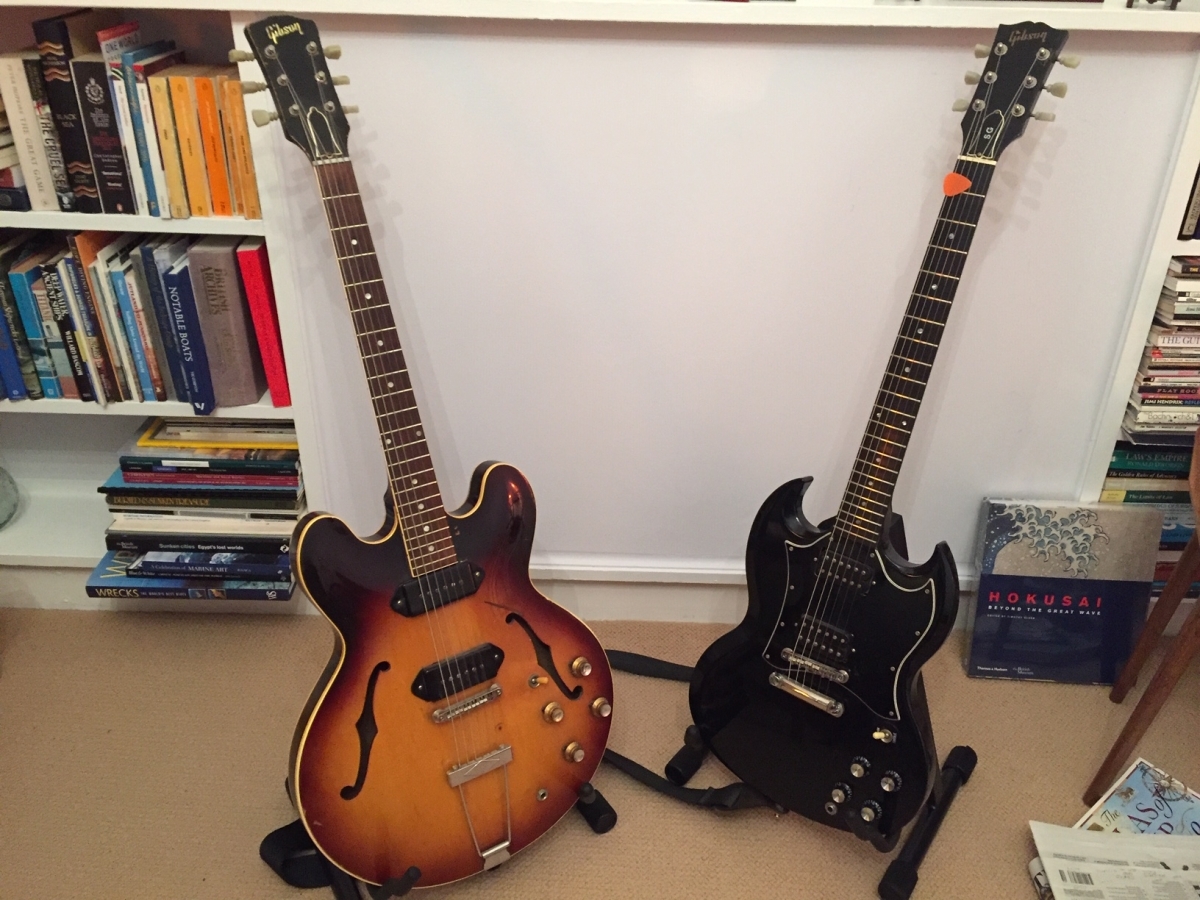
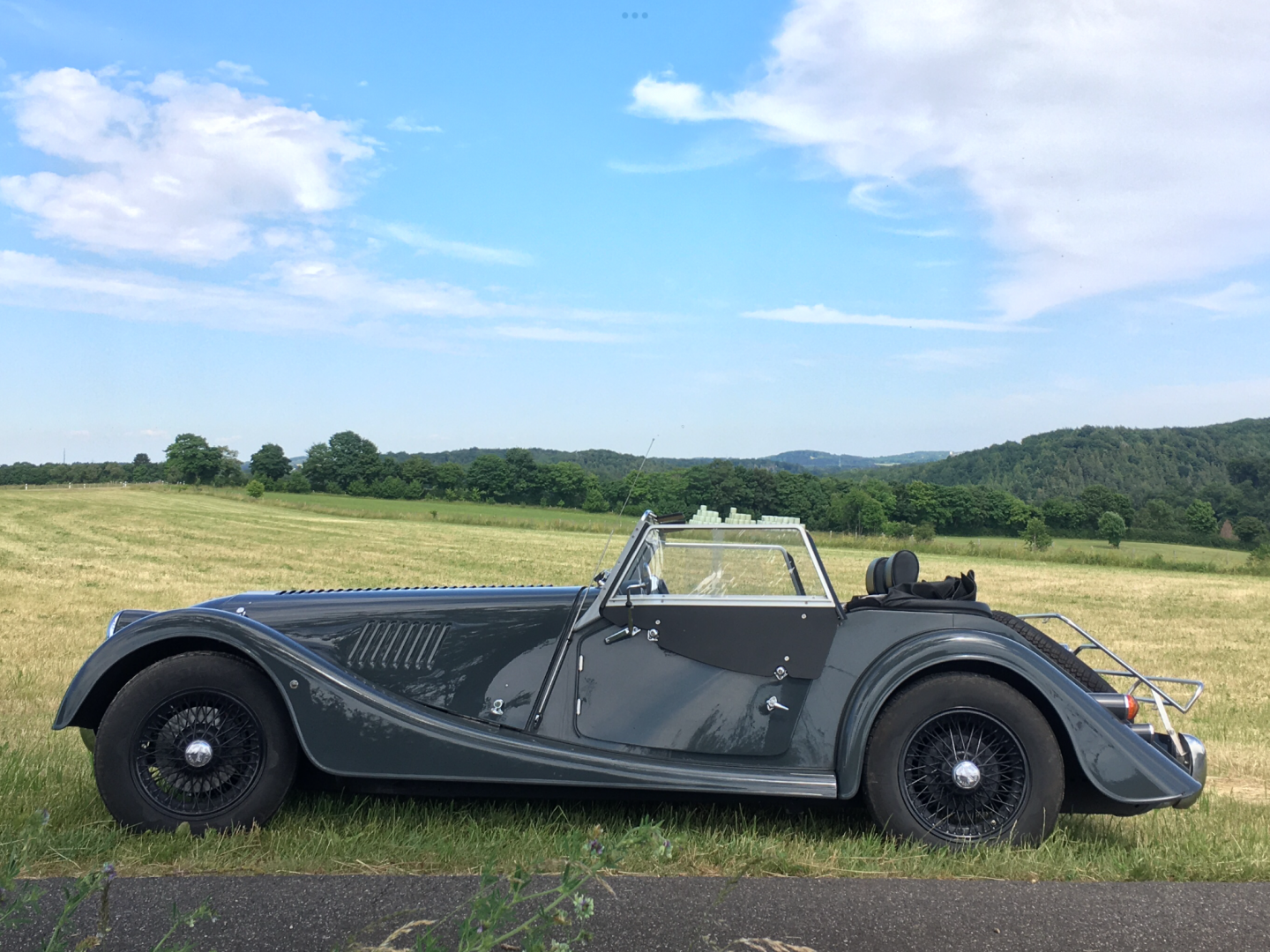
Your photo will appear visible for everyone. You can prove it by clicking the preview of your post or just post it. It will work.










![[Linked Image]](https://www.tm-img.com/images/2020/04/14/grt.png)

![[Linked Image]](https://www.tm-img.com/images/2020/04/15/Hofner.jpg)