I've been asked to provide a bit of advice on how to publish a picture from the TalkMorgan Image Server (tim-img.com) using an iPhone.
The good news is that the process is conceptually the same as doing it from a proper computer, it's just that the bits you have to click on are not immediately obvious to the casual observer.
So What do we have to do?
Step 1: Set up an account on tm-img as per the usul instructions which can be found at
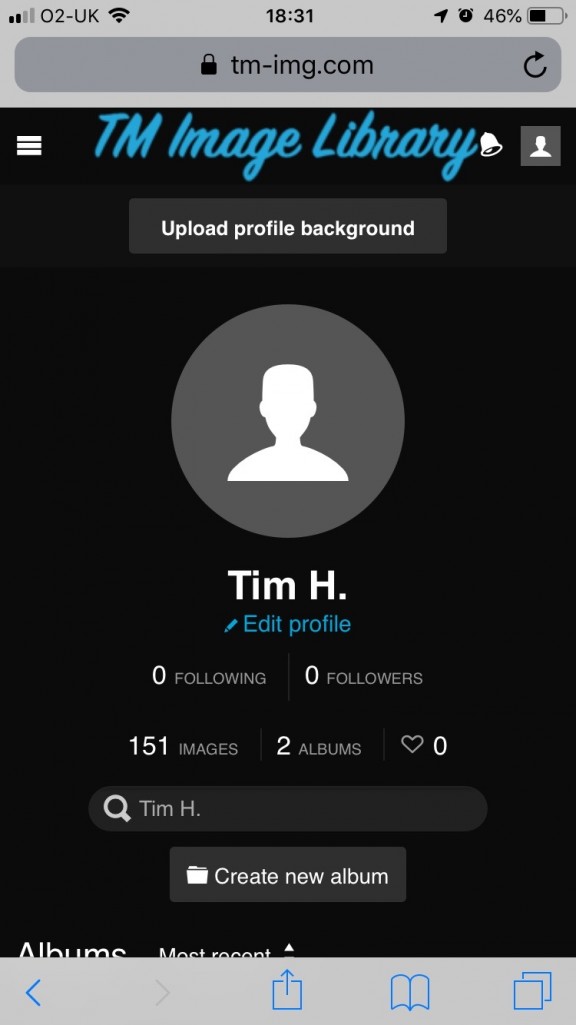
https://tm-img.com/page/ifu. Once you are logged in, you will see a screen that looks like this:
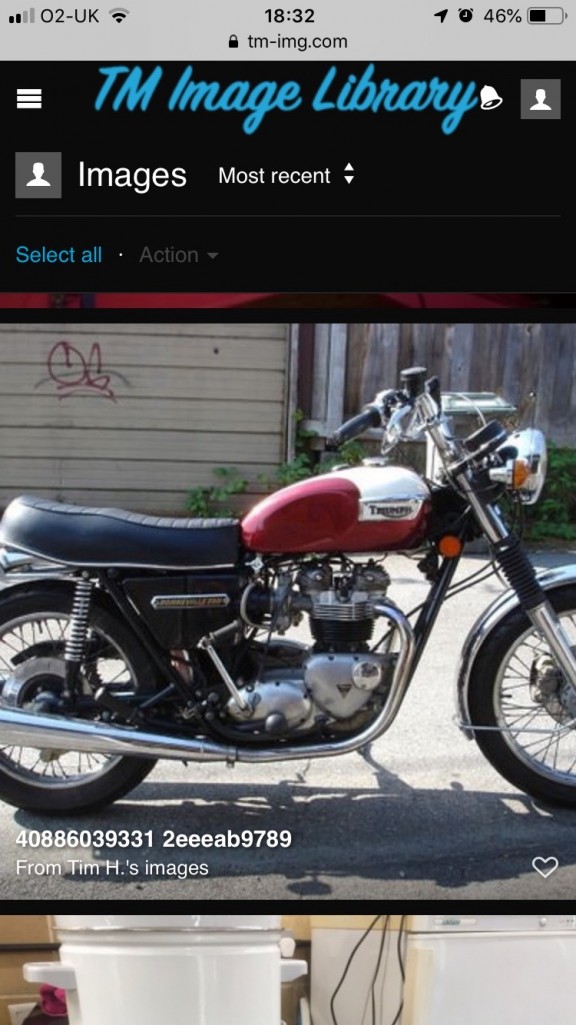
Step 2: Click on the bit where it says 'images' and scroll down through your pictures to get to the one you want to post to TalkMorgan:
Step 3: Now double-tap on that image to get the details.
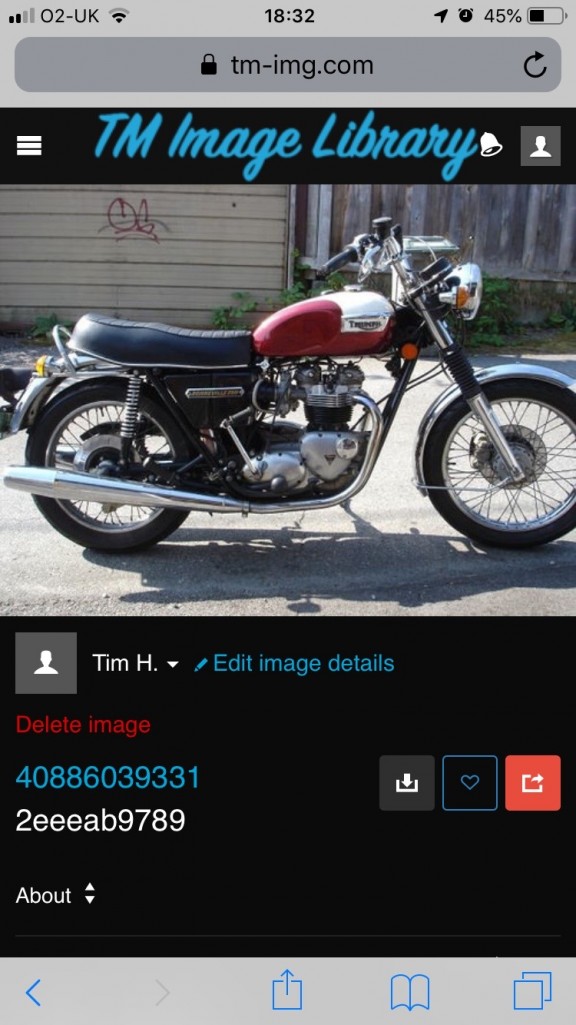
Step 4: See underneath the image where it says 'About'? Tap on that. This allows you to see the'Embed Codes' section. Tap on that.
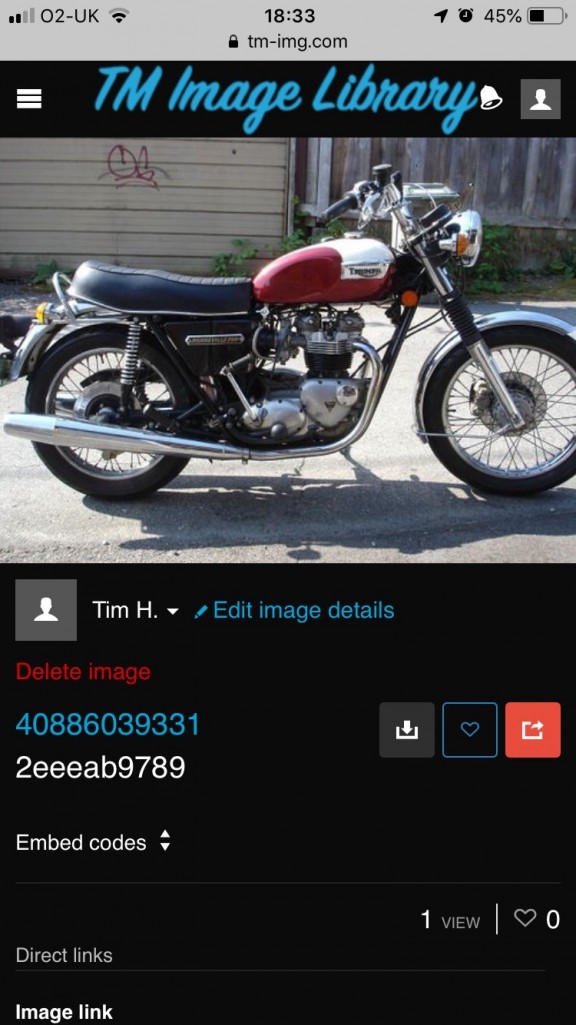
TaDa! Now you can select 'copy' in the 'Full Image' section where it says 'BBCode'.
As always, if you have a go at this and get stuck, gissa shout and I'll sort you out.
I haven't tried this on a 'Droid, but I would think it would work the same.