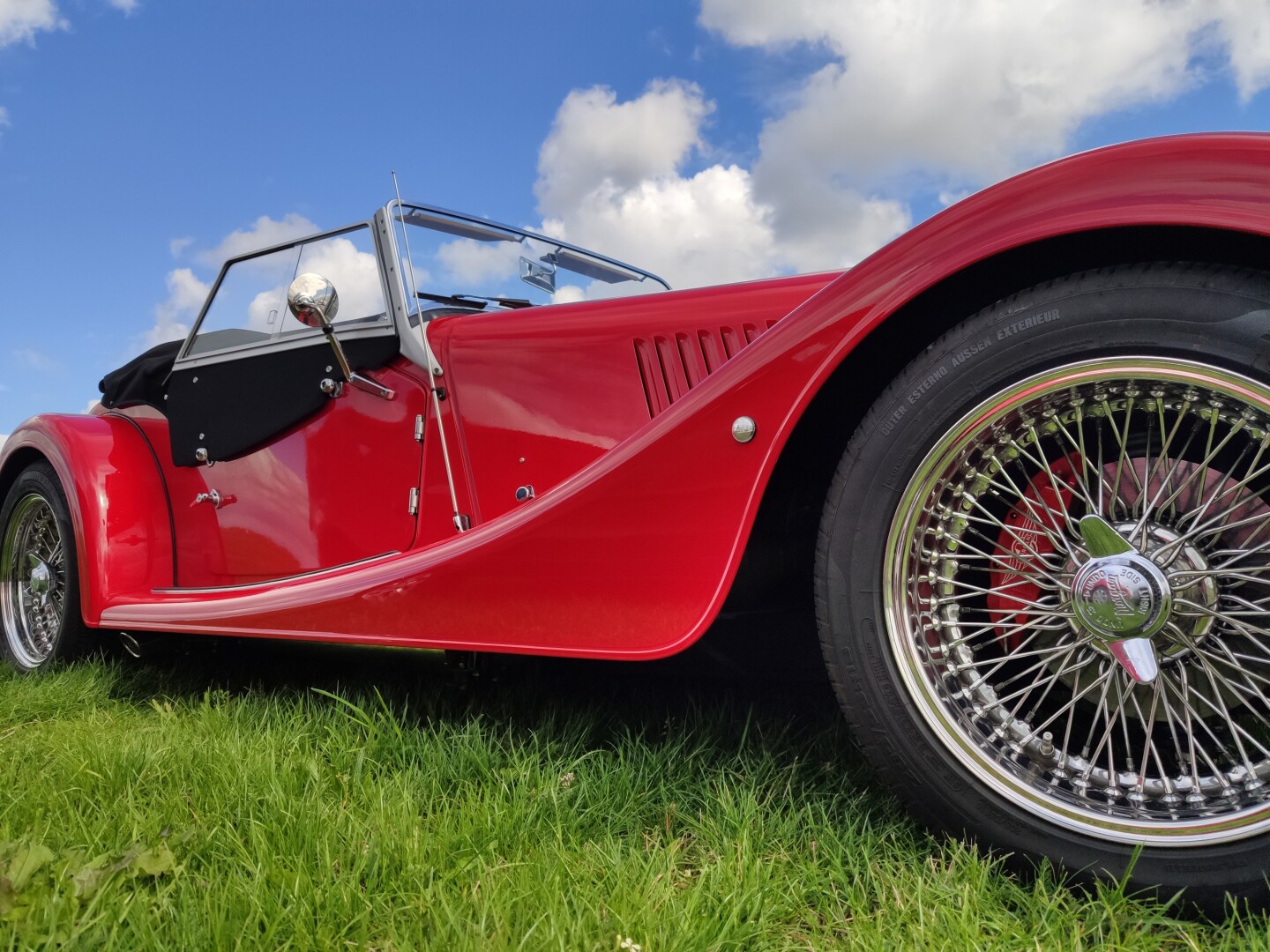
I find it frustrating that some members using this forum find so much difficulty in posting images to display directly. I'm sure many regard it as a necessary evil attached exclusively to Talk Morgan although it's not. All the several forums I belong employing "bulletin board" (BB) software, which has been around for decades, work the same in this respect.
Instructional video's aside all that is required is a valid
picture link which ends .jpg, .jpeg, .png or .gif. Once copied this is added into the post between image tags so the full picture addition looks like this:
Without a valid picture link which includes one of the suffix options above
and within image tags, you are wasting your time - it will not display in your post!
Most picture hosting sites give an option to include your picture already formatted as above and labelled
BBCode. If you only have the plain picture link copied though you can use the forums picture icon (to right of smiley) to allow tags to be added or manually add them via keyboard.
To illustrate a post you can also use pictures directly from the web. Many have a .webp suffix now though but changing this to an acceptable .jpg seems to work.
Finally, it's clear from the number of failed attempts that users are not aware of the
Preview option. Using this button in advance of posting will determine if your post displays as intended.