I have posted this already at the end of the FAQ linked above:
Well, it does not work for me. Every time I try, I get this message:
"We encountered a problem. The reason reported was
It looks as if your file attachment size exceeded the max size of 1 MB.
Please click back to return to the previous page."
Well it does not exceed 1MB. This system is almost as annoying as the M3W's bonnet/cowl fasteners. Funnily enough, it was a photo of my solution to that which I was trying to post. I cannot be bothered with Photobucket. Oh well, too bad.
If you reduce the size of the picture to 1200 x 900 it should be ok. To be really safe reduce it to 800 x 600 which is plenty big enough to show what you want on the screen anyway.
For a simple solution I use the free version of Fotosizer
PS. What computer system or tablet are you using? Some systems or browsers have problems of compatibility with the forum software.
Last edited by Gambalunga; 09/01/1405:13 PM. Reason: PS
P Dron- as stated in another forum, I am experiencing the same problem. What adds to the frustration is the fact that I have been able to achieve my goal in the past. (Using Photobucket) I have given up, at least until I regain a modicum of patience concerning the process.
Bert & B1800 "Tis well enough to know how much to know; and when to know, not to know, too much."
Well, I've been trying to send a picture from windows XP using Richards method and it seems to work except when I click "upload" nothing appears in the this box---please give me some space as I'm a real newby here.
I'm a Luddite or Retrobate in fact...... I use Photo Bucket. First I use Pixresizer to reduce the photo to about 70% - this uploads faster. Then I view the photo on Photo Bucket and select the bottom of the displayed links which is an auto copy and paste into TM. That's it.
DaveW '05 Red Roadster S1 '16 Yellow (Not the only) Narrow AR GDI Plus 4








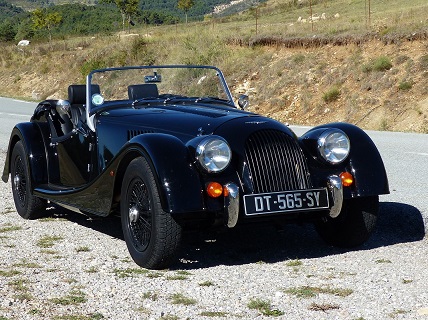


![[Linked Image]](http://bradley.it/public_images/drive.jpg)


